
If a case was added in error, or is simply not needed anymore, you can trash it, removing the case from Fluid.
To do this, click on the red bin icon under actions on the cases page, the status will then change to trashed.
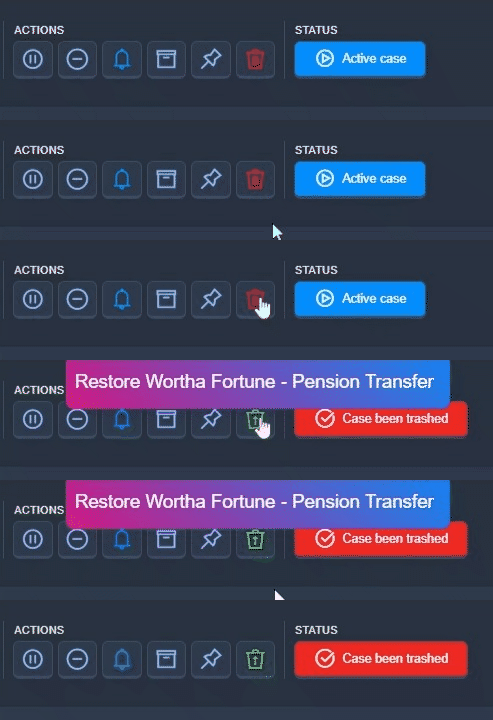

If you want to undo the trashing of a case, you can click the bin icon again, if you are unable to find the trashed case, please go to https://app.gofluid.org/#trash and search for the case name