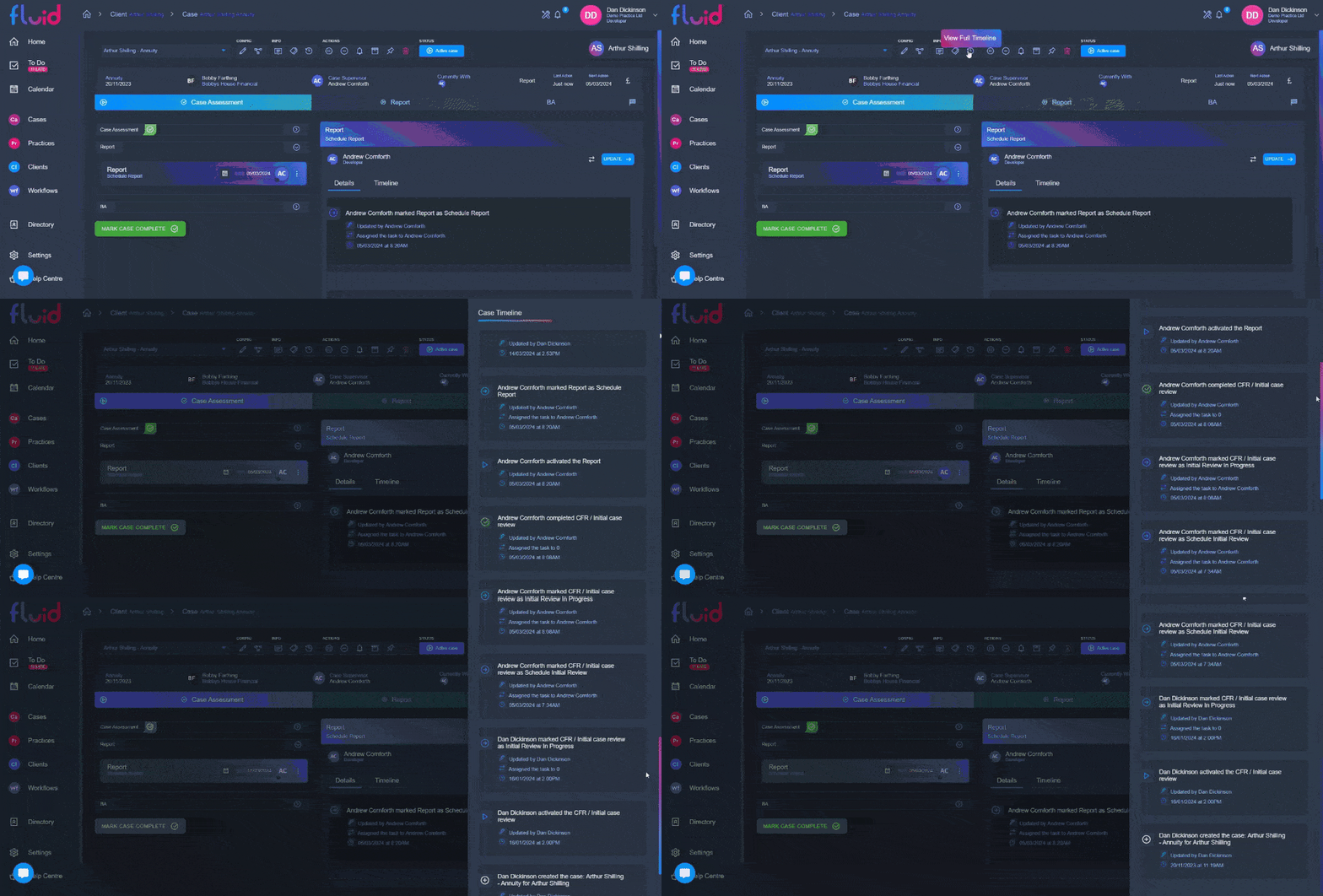
The case timeline enables you to see everything that case been done on a case since it's creation, in a neatly sorted list. This will give you each time a task was actioned with the date and time this happened.
To access the case timeline, simple click on it's icon in the info section of the top bar on the case profile page. You should be able to then scroll through the timeline