Business types are primarily used to classify the financials attached to your case and are another way to separate your data when reviewing your MI.
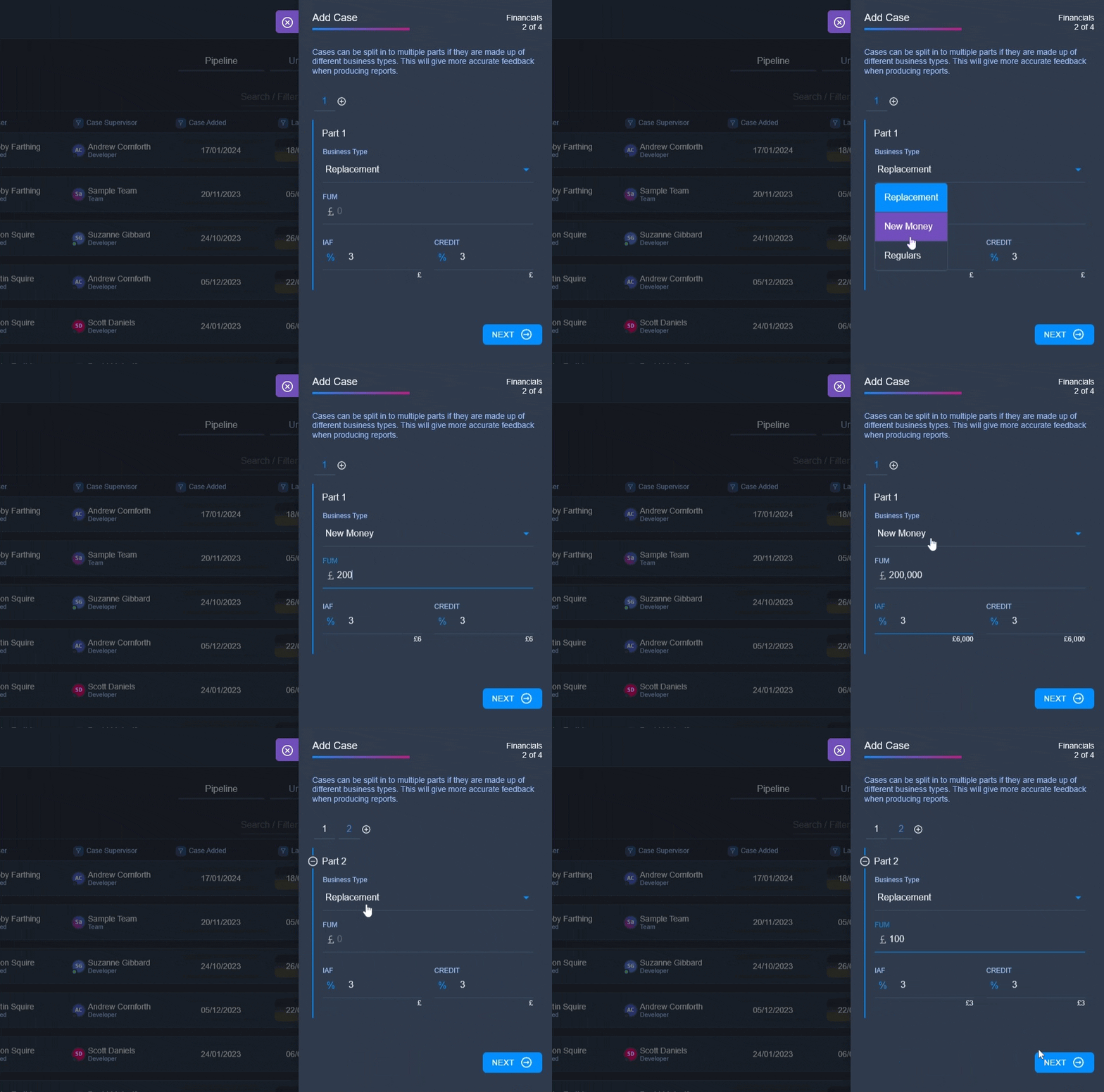
When you are setting up a workflow you are presented with a list of business types from which you can select multiple options of which business types can be assigned to a case. When a user is setting up a case they have the option of adding multiple case financial parts with different business types for each.
If no business types are visible in your list, just type a business type name such as New Money or Replacement in to the '+ Add Business Type' input and hit enter. This business type will then be availabel globally.