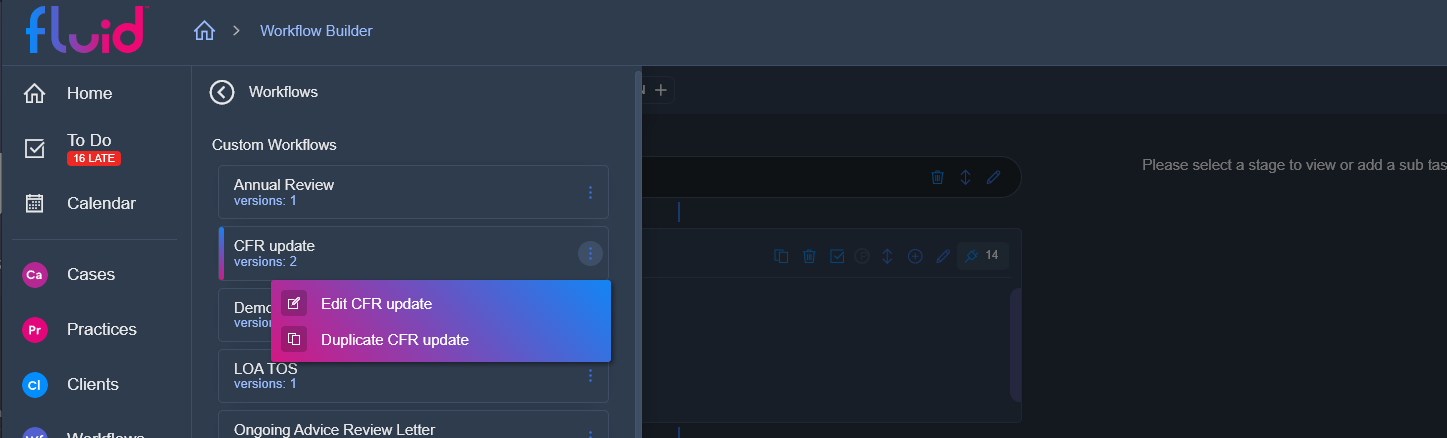
Duplicating a workflow is simple. From the workflows page, click on the workflows sidebar (top left). You will be presented by a list of your prebuilt and custom workflows. Right clicking, or clicking on the three dot menu on any of these worflows gives you the option of duplicating the workflow. This will create a new workflow for you with all of the same milestones and stages as the one you duplicated.